Group Classes Overview
Personal training is one-on-one. But what about your yoga classes? Your spin sessions? Your HIIT groups?
Group classes have different needs. Multiple people in one slot. Capacity limits. Waitlists when classes fill up. Instructors who need to know who's coming.
Easy Fitness Booking handles all of it—and makes it simple for everyone involved.
The Three Perspectives
For Members
Booking a class should be effortless. Members see what's available, tap to book, and they're in. If it's full, they join the waitlist and get notified automatically if a spot opens.
No calling the front desk. No "can you check if there's room?" Just book and go.
For Instructors
Before class starts, instructors know exactly who's coming. They can see the full roster, contact everyone if something changes, and track attendance after.
No clipboard sign-ins. No "who's supposed to be here?" Just a list of confirmed attendees.
For Gym Owners
You see it all—which classes are packed, which have empty spots, who's on waitlists, and how attendance trends over time. Data that helps you optimize your schedule.
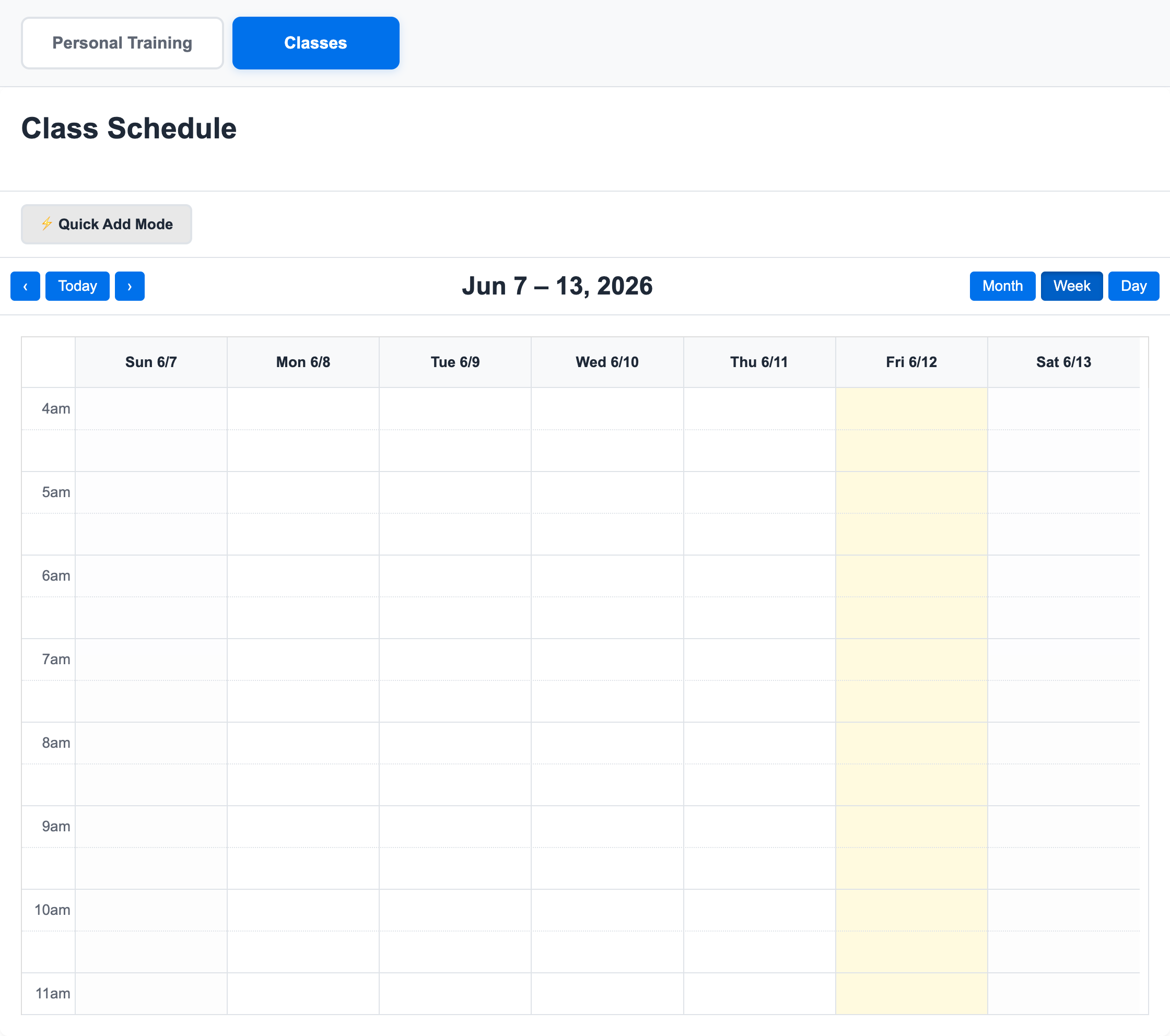
The class calendar gives staff a live view of what is happening across the week. It is built for quick scanning: instructors, times, scheduled classes, and booking density are visible without exporting a report.
How It Works
Class Setup
You define your classes:
- What: Yoga, Spin, HIIT, Boxing, whatever you offer
- When: Day and time (recurring or one-off)
- Who: Which instructor leads it
- Capacity: How many spots available
- Credits: How many credits it costs (or if it's included in membership)
Member Booking
Members browse classes by day, type, or instructor. They see:
- Class name and description
- Time and duration
- Instructor
- Spots remaining (or "Waitlist" if full)
One tap to book. Credit is deducted. Confirmation sent. Done.
The Waitlist
When a class fills up, members can join the waitlist. If someone cancels, the first person on the waitlist gets promoted automatically—with a 15-minute grace period to cancel if the timing doesn't work anymore.
See Waitlist System for the full details.
Class Day
Instructor opens the roster, sees who's coming, and can email everyone if needed. After class, they mark attendance. Members who no-showed get flagged.
What Makes This Different
Real-Time Availability
Members see live spot counts. No outdated information. No booking a "full" class because the website didn't update.
Automatic Waitlist Management
No staff intervention needed. Someone cancels, next person gets the spot, gets notified, has 15 minutes to decide. All automatic.
Easy Communication
Instructor needs to move the class to a different room? Cancel due to illness? One click to email everyone booked. No hunting for contact info.
Credit Integration
Class bookings use the same credit system as PT sessions. Weekly credits, tracking, refunds—it all works the same way. See Credit System Overview for how credits work.
Quick Links
- Booking Classes — The member experience
- Managing Rosters — For instructors and staff
- Waitlist System — How automatic waitlists work
- Publish the Public Class Calendar — Share upcoming classes publicly
Common Questions
"Can members book classes and PT sessions with the same credits?"
PT credits and class credits are always separate. A member can have both types of membership, but credits from one never apply to the other.
Why? Because it eliminates confusion. When a member asks "how many class credits do I have?" the answer is never "well, it depends on whether you also want to train this week." Each membership stands on its own. Each credit has one purpose. Your staff never has to untangle which membership paid for what.
"What if someone books but doesn't show up?"
Instructors mark attendance after class. No-shows are tracked. You can set policies—maybe they lose the credit, maybe they get a warning. The system documents it either way.
"Can I run both drop-in and membership-based classes?"
Yes. Some classes can require credits (for members). Others can be open for drop-in purchases. Mix and match based on your business model.
Ready to streamline your gym?
Start managing bookings, personal training, and memberships in minutes.
Start Your Free Trial →No credit card required