Calendar & Booking
The calendar system is the heart of Easy Fitness Booking, providing visual scheduling for personal training sessions, trainer availability, non-training work, and class conflicts.
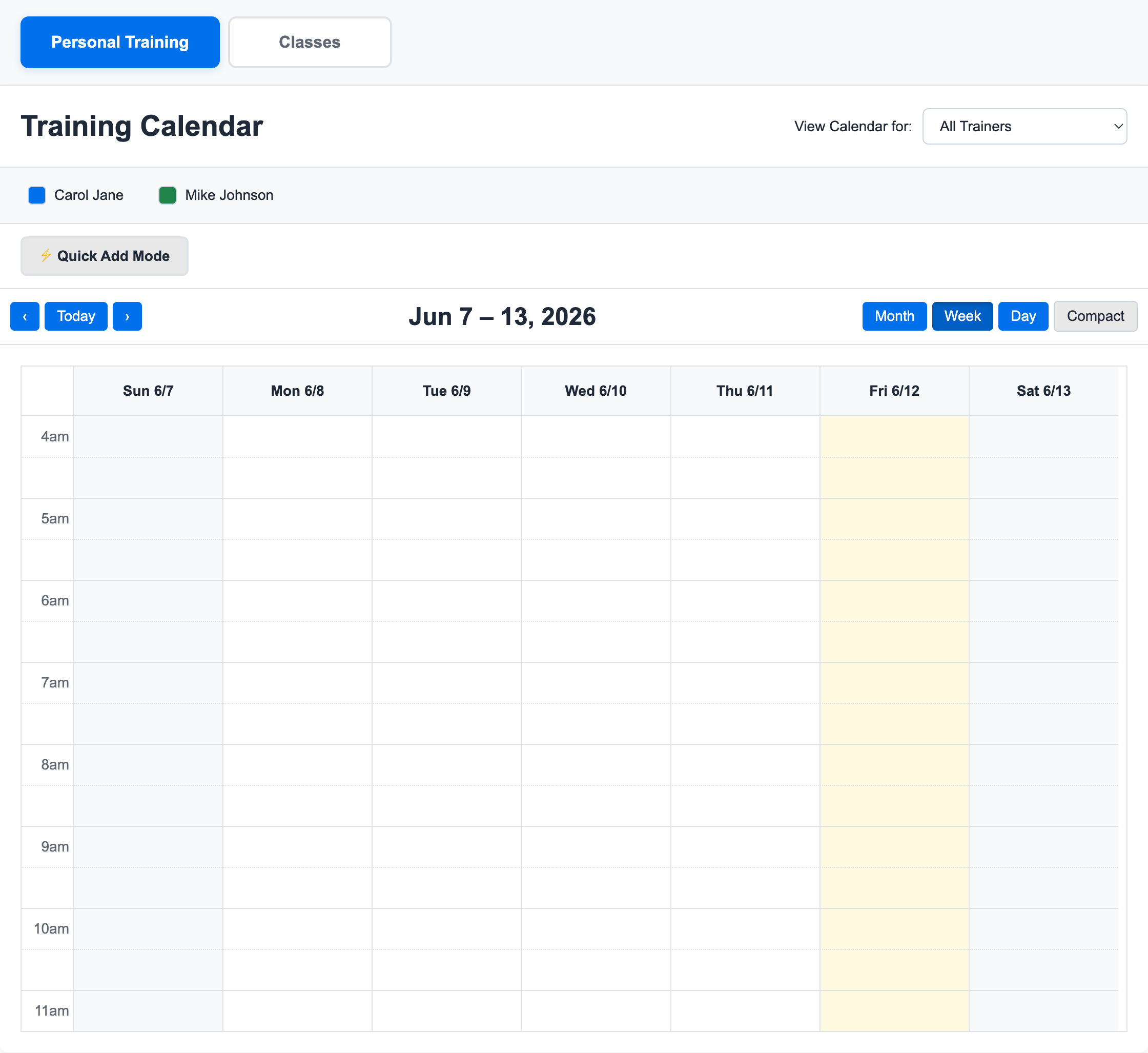
The calendar is designed to feel like a working schedule, not a settings screen. Staff can scan the week, see where trainers are booked, create sessions, block unavailable time, and keep the schedule aligned with class programming.
Calendar Views
Trainer Calendar
Trainers see their personal schedule with:
- Confirmed sessions
- Pending booking requests
- Blocked time
- Non-training sessions
- Available slots
Gym-Wide View
Gym owners and admins can view:
- All trainers' schedules
- Gym-wide availability
- Session utilization
- Conflicts with classes or blocked time
Booking Sessions
For Members
Members can book sessions by:
- Viewing available time slots
- Selecting a preferred trainer (optional)
- Choosing date and time
- Submitting the booking request
For Staff
Staff can book on behalf of members:
- Navigate to the calendar
- Select the member
- Choose the trainer and time
- Confirm the booking
When staff view one trainer's calendar, member search can be focused to that trainer's Client List. This is a convenience filter. Owners and admins can still use the All Trainers calendar to search all members and book any member with the selected trainer.
For the setup workflow, see Assign Members to a Trainer Client List.
Managing Booking Hours and Availability
Gym Booking Hours
Gym booking hours are set from Manage Gym -> Settings. They define the daily window members and staff should use when booking training sessions.
Use them as the gym-wide guardrails before staff starts filling the calendar.
For setup steps, see Configure Booking Hours and Non-Training Time.
Trainer Availability
Trainer calendars can still show booked sessions, available slots, blocked time, and non-training work inside the gym's operating window.
Blocking Time and Non-Training Work
Use Blocked time when a trainer should not be bookable. Use Non-Training Session when the trainer is working but not training a member, such as maintenance, admin work, education, or outside trainer rental.
To create either one:
- Click on the calendar
- Choose the trainer and time
- Select Blocked or Non-Training Session
- Pick the configured non-training session type if needed
- Add notes for the team
Session Status
Sessions can have different statuses:
| Status | Description |
|---|---|
| Pending | Awaiting confirmation |
| Confirmed | Approved and scheduled |
| Completed | Session has occurred |
| Cancelled | Session was cancelled |
| No-Show | Member didn't attend |
Google Calendar Sync
Trainers and instructors can connect Google Calendar from the app. Easy Fitness Booking creates a dedicated calendar and syncs PT sessions and classes into it.
The integration is intentionally narrow:
- It creates and updates Easy Fitness Booking events only
- It does not read personal calendar events
- New sessions sync automatically
- Staff can use Force resync for a selected date range if Google Calendar looks out of date
- Cancelled sessions and no-shows stay visible with clear event labels
For the staff workflow, see Connect Google Calendar Sync.
For the trainer-facing schedule, client list, and integrations workflow, see Use the Trainer Workspace.
Timezone Handling
Easy Fitness Booking uses your gym's configured timezone for all scheduling. This ensures consistent times for all users regardless of their location.
Notifications
The system sends notifications for:
- New booking requests
- Booking confirmations
- Upcoming session reminders
- Cancellations
Calendar Tips
For Gym Owners
- Review pending bookings regularly
- Monitor trainer utilization
- Set up reminder notifications
For Trainers
- Keep your availability updated
- Confirm bookings promptly
- Use blocked time for unavailable hours
- Use non-training sessions when paid work should be tracked without assigning a member
- Connect Google Calendar if you want sessions visible outside the app
- Start from Use the Trainer Workspace if you need the trainer-specific walkthrough
For Members
- Book popular slots early
- Check cancellation policies
- Set up calendar sync if available
Troubleshooting
Can't see available times?
- The trainer may not have set availability
- All slots might be booked
Booking not confirmed?
- Check if the trainer needs to manually confirm
- Verify you have sessions remaining
Need more help? Contact support.
Ready to streamline your gym?
Start managing bookings, personal training, and memberships in minutes.
Start Your Free Trial →No credit card required