Progress Tracking
Progress gives staff a structured place to record what is changing for a member over time.
Use it for measurements, exercise records, benchmark tests, goal check-ins, or any repeatable data point your coaches want to track.
What Progress Does
Progress has two levels:
- Gym templates define which types of progress your gym tracks.
- Member progress tabs define which templates are active for a specific member.
That means your gym can keep a small catalog of standard tracking templates, then only show the relevant tabs on each member.
What Staff Can Track
Progress templates can support:
- Dates
- Numbers
- Text notes
- Select fields
- Exercise names or context labels
- History tables
- Charts based on past entries
Each entry is stored against the member and template, so staff can return later and see the trend instead of reading old notes manually.
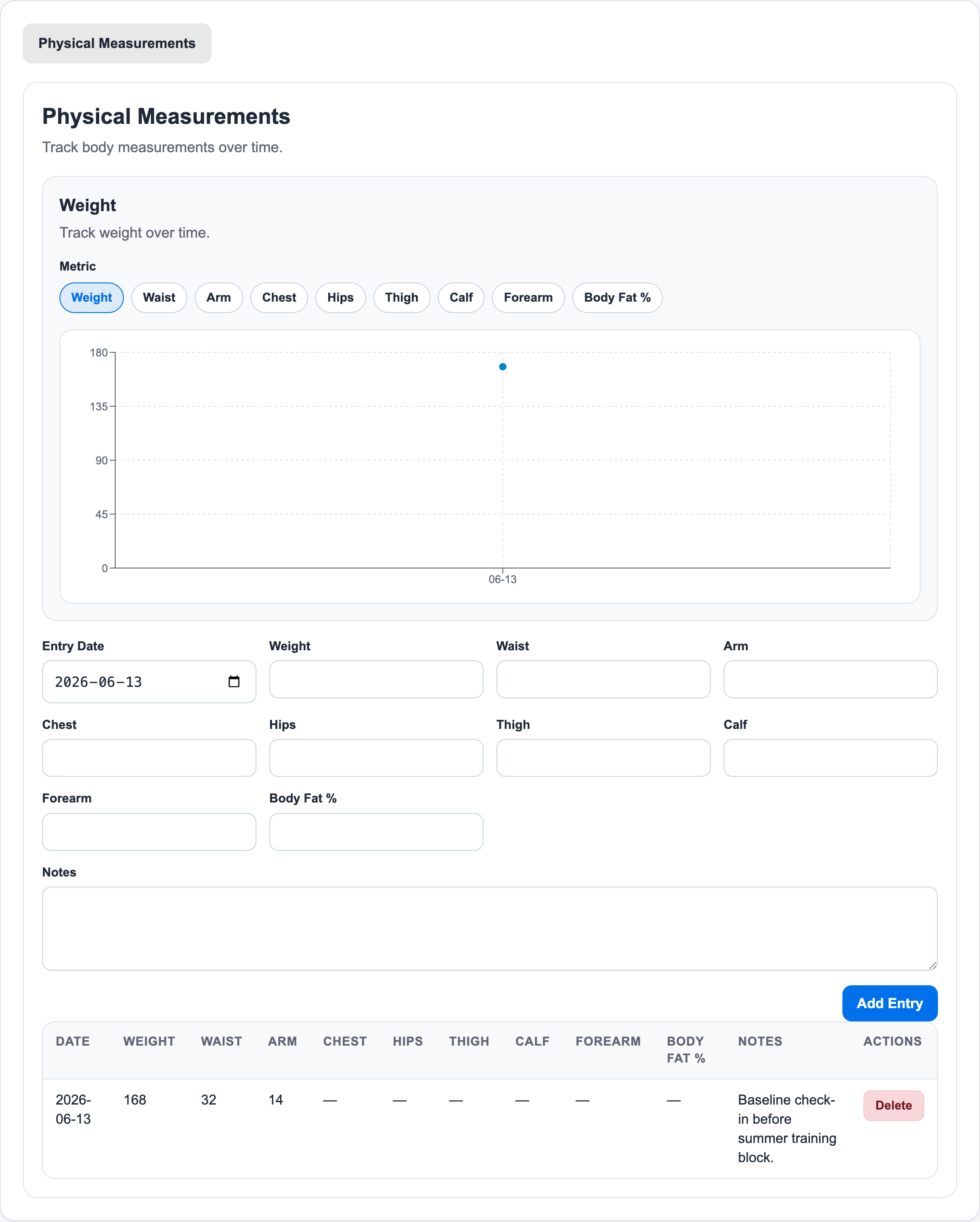
Where It Lives
Gym owners and admins can open Progress from the main app navigation.
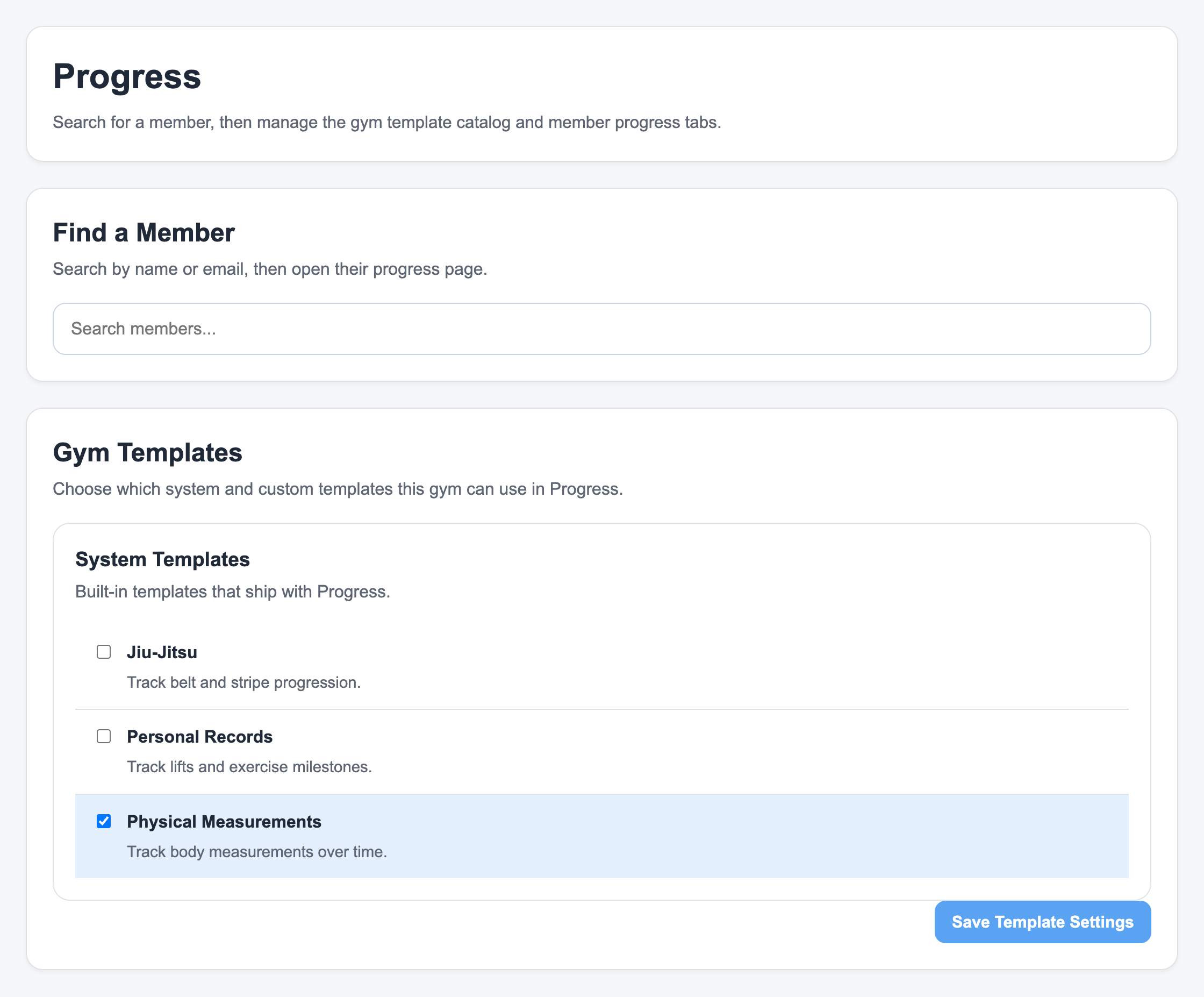
From there they can:
- Search for a member.
- Open that member's progress page.
- Enable the templates that apply to the member.
- Add new entries over time.
- Review charts and history tables.
How This Fits With Coaching
Progress is separate from billing and booking. It does not consume credits, change invoices, or affect payroll.
It is there to make coaching history easier to read:
- A trainer can see whether a lift, measurement, or test result is improving.
- An admin can keep standard tracking templates consistent across the gym.
- A member conversation can be based on recorded history instead of memory.
For the step-by-step workflow, see Track Member Progress.
Ready to streamline your gym?
Start managing bookings, personal training, and memberships in minutes.
Start Your Free Trial →No credit card required